A custom URL for a registry is a shortened, readable link that replaces a long, platform-generated address with something guests can actually type and remember. For most hosts, a short platform slug is the quickest path, while a cheap custom domain is worth the extra step if you plan to print the link. Whichever you pick, lock it in before invitations go out: changing it later breaks every printed link and QR code already in circulation.
TL;DR:
- Short, pronounceable, and simple URLs under 50 characters reduce guest confusion and increase the likelihood of correct typing from memory.
- Using a custom domain offers a professional, printable link ideal for formal invitations, but requires DNS setup and can take up to 48 hours to propagate.
- Dynamic QR codes enable live updates to link destinations after printing, preventing broken links if the URL or domain changes later.
- For casual events, a platform slug is sufficient, while a custom domain is better for formal, printed invitations or long-term use.
- Platforms like Zelo provide editable short URLs with secure payments, making them suitable when speed and ease of setup outweigh the need for a custom webpage address.
Table of Contents
- Quick checklist for picking a registry URL
- Platform slug vs custom domain vs URL shortener: trade-offs and when to use each
- How to set the slug or connect a custom domain
- How to manage changes and test your printed links or QR codes
- Applying the advice on a cash-gifting platform
- Author perspective: when to choose polish versus speed
- A short, honest option for hosts who want this solved
- Quick reference links for setup and deeper reading
- Sources
- FAQ
Quick checklist for picking a registry URL
A good registry URL earns its keep the moment a guest tries to type it from memory. Run through this list before publishing anything.
- Keep it short, ideally under 25 to 50 characters, all lowercase, with no symbols or punctuation.
- Choose a pronounceable combination of names or words so guests can say it out loud without stumbling.
- If your first choice is taken, add a qualifier like “wedding,” “shower,” or the year instead of random numbers.
- Decide upfront between a platform slug, a custom domain, or a shortener with a dynamic QR code.
- Test the final link on a phone, typing it from scratch rather than tapping a saved bookmark.
Skipping that last step is how hosts end up with a link that works on a laptop but fails on the device most guests will actually use.
Pro Tip: Read your URL out loud to someone else and have them type it without seeing it. If they get it wrong, simplify before you print anything.
Platform slug vs custom domain vs URL shortener: trade-offs and when to use each
The right technical path depends on how formal the event is and how long you need the link to last.
- Platform slug. This is the cheapest and fastest option. Most registry and wedding website platforms let you edit the slug directly in account settings, though the platform’s own domain stays visible in the address.
- Custom domain. Buying a domain typically runs about $10 to $20 a year and gives you a clean, printable address, but it requires either DNS changes or a redirect set up through your registrar.
- URL shortener or dynamic QR code. This route future-proofs anything you print. You can change where the link points later without reprinting a single invitation.
Casual events, like a weekend baby shower among close friends, rarely need more than a slug. Formal weddings with printed invitations and a guest list spread across the country benefit from a domain that looks intentional on paper. If you expect to keep the address for years, as a keepsake or a running family fund, a domain you own outright is the only option that doesn’t depend on a platform staying in business.
How to set the slug or connect a custom domain
Most platforms hide the URL settings in a predictable place, so start there before assuming you need outside tools.
- Look under Settings, then Website, then URL or Slug, or check a dedicated Publish tab; this is where most wedding website platforms let you choose a cleaner address.
- If you want a full custom domain, buy it through any registrar, then set up forwarding or a 301 redirect, which is the more permanent choice over a temporary redirect.
- To connect a domain directly to your platform, you’ll typically add a CNAME or A record in your domain’s DNS settings, then wait for propagation, which can take anywhere from a few minutes up to 48 hours.
- Always verify the connection by opening the new address in a private browser window once propagation finishes.
Some platforms only offer a slug with no option to map a full domain, so confirm that capability before you buy anything.
How to manage changes and test your printed links or QR codes
Changing a slug or domain after it’s printed breaks the link for anyone holding an invitation or scanning a code, since the old address either dead-ends or points somewhere else entirely. That risk is the main argument for deciding on your URL early rather than adjusting it after the fact.

Dynamic QR codes solve part of this problem. Dynamic QR codes act as a persistent redirect to an editable destination, which means you can change where the code points after printing without reprinting a single card.
Before anything goes to print, run through this short test:
- Type the URL from scratch on a phone, not from a saved link.
- Read it aloud and see if anyone mishears it.
- Check for look-alike characters, like a zero next to the letter O or a lowercase L next to the number 1.
After the event, many hosts redirect the same link to a thank-you page or photo gallery instead of letting it go dead.
Applying the advice on a cash-gifting platform
Short, dependable URLs matter most at the moment a guest decides whether to contribute. A mobile-optimized event page that loads fast and asks for as little friction as possible turns a casual glance at an invitation into a completed gift.
Some cash gifting platforms build event pages around that exact moment, pairing a personalized page with a slug simple enough to share in a text message or print on a card. The features that back that up can include:
- A secure checkout process for guest contributions.
- Mobile-first page design built for quick loading on any phone.
- Transparent fees without hidden charges.
- Direct withdrawals for hosts without holding funds in limbo.
Those pieces matter more than the URL itself, but a clean link is what gets a guest to the page in the first place.
Author perspective: when to choose polish versus speed
A platform slug is fine for almost any casual event, a backyard shower or a birthday among friends who’ll click a link from a text message anyway. A custom domain earns its cost when invitations are formal, printed, and mailed to people who’ll type the address from a card on their counter weeks later. My rule of thumb: if the link will ever be engraved, printed, or handed to someone over 60, buy the domain.
— Rodrigo
A short, honest option for hosts who want this solved
Zelo gives hosts a personalized event page with a short, editable slug and a checkout built for mobile guests, so you can skip the domain-buying step entirely if speed matters more than a vanity address.
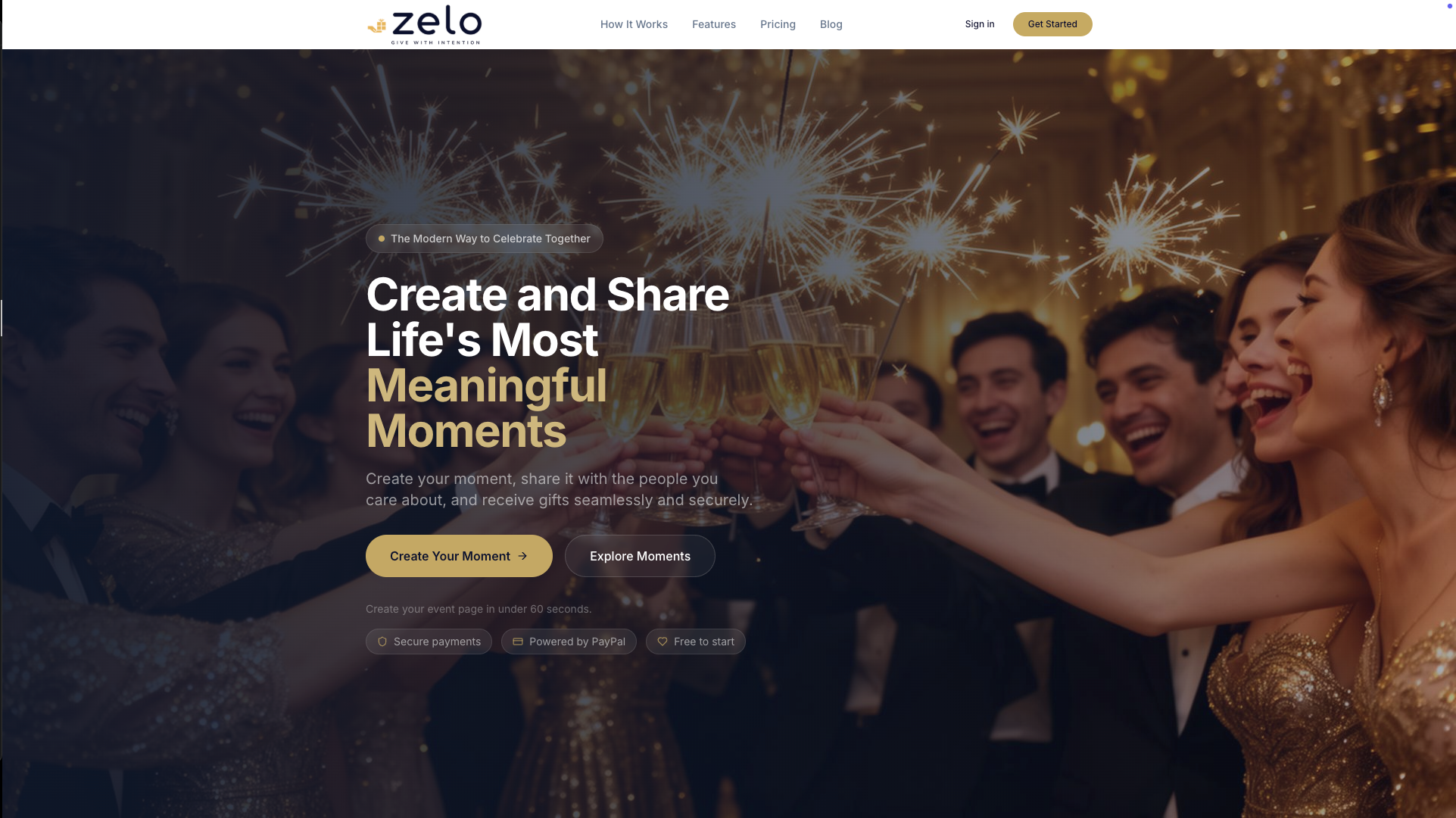
That combination fits anyone who wants to collect cash gifts without configuring DNS records: a shareable link, secure payments, and a platform fee of 3.89% charged on contributions rather than a subscription. What it offers:
- Personalized event pages for weddings, showers, birthdays, and other milestones.
- A short slug that works on its own or alongside a shared link in texts and invites.
- Secure checkout and direct withdrawals with no setup fees.
Create your event page and see how the link looks before you commit to anything permanent.
Quick reference links for setup and deeper reading
- Zelo’s guide to baby shower registries for related setup advice.
- Zelo’s collaborative registry guide for multi-host events.
FAQ
What is meant by a custom URL?
A custom URL is a shortened or personalized web address that replaces a long, automatically generated link with something easier to read, say, and type. For a registry, that usually means swapping a string of random characters for your names or event, either as a slug on the platform’s domain or a domain you buy separately.
What are some creative and fun names for a baby registry?
Common approaches combine the parents’ names with a playful phrase, the due date, or a nickname for the baby, kept short enough to type easily on a phone. If your first choice is already taken, adding the word “shower” or the year is a simple fallback that keeps the link readable.
Does changing a registry URL break printed invitations?
Yes. Once a URL or QR code is printed, changing the destination address means anyone using the old link or code will hit a dead end or the wrong page. A dynamic QR code avoids this because it lets you update where the code points without reprinting anything.
How long does it take to connect a custom domain to a registry platform?
DNS changes needed to connect a domain typically take anywhere from a few minutes to 48 hours to fully propagate. It’s worth buying and connecting the domain well before you need to print or share it, then testing the link once propagation finishes.
What does Zelo charge for collecting registry gifts?
Zelo charges hosts a platform fee of 3.89% on each contribution guests make, with no separate setup or subscription fee. Guests contributing to an event page never pay a fee themselves.
Recommended
Enjoyed the article? Share it!