
A cash gift foundation, in the sense most people mean when they search this phrase, is a short event page that collects money from guests and pays it out to your bank account. You can build one today. Start with three moves: pick a platform built for milestone events, gather your bank or PayPal details, and write a two-sentence purpose statement explaining what the money is for.
- Choose a platform (a wedding, birthday, or baby-shower cash fund tool, not a generic donation page)
- Confirm your payout method before you publish anything
- Draft your purpose statement first. Everything else on the page builds around it
How much of each gift actually lands in your account depends on the platform’s fee structure and who covers the payment-processing cost, which the next few sections walk through in detail.
Key Takeaways
A finished cash gift page comes down to three things: a clear purpose statement, a transparent fee setting, and a payout method that delivers real cash to your bank.
| Point | Details |
|---|---|
| Gather details first | Have bank or PayPal info, ID, and event basics ready before you start building. |
| Understand combined fees | Platform commission plus processor fees typically run about 2.5% to 5.8% total. |
| Confirm cash payouts | Verify your payout lands as real bank cash, not store credit or gift cards. |
| Be specific in your wording | Name the exact purpose and offer a range of suggested contribution amounts. |
| Use Zelo for milestone events | Zelo offers personalized pages, secure checkout, and direct bank payouts for weddings, birthdays, and more. |
Table of Contents
- What You Need Before You Start a Foundation Page
- How Do You Set Up an Event Cash Gift Page?
- What Fees Should You Expect When Collecting Cash Gifts?
- What Should You Write on Your Cash Gift Page?
- When and How Should You Share Your Fund With Guests?
- What Happens After a Guest Contributes?
- How Do You Fix Common Cash Gift Page Problems?
- A Host’s Honest Take on Building a Cash Gift Page
- Start Your Page With Zelo
- Sources
What You Need Before You Start a Foundation Page
Gather these items first so setup takes minutes instead of an evening of back-and-forth with support:
- Payout details: a bank account and routing number, or a linked PayPal account, plus a government ID for verification
- Event basics: the event name, date, a one-line purpose (honeymoon, house down payment, baby gear), and a goal amount if you want one
- Guest-facing decisions: suggested contribution amounts, whether the page is public or invite-only, and if you’ll link it to an RSVP form
- Visuals: a cover photo and, if you’re itemizing, short descriptions or photos for individual experiences or big-ticket items
Pro Tip: Verification usually asks for a photo ID and a bank statement or voided check. Upload both during setup instead of waiting for a payout hold to force the issue later.
How Do You Set Up an Event Cash Gift Page?
Once you have the checklist above, actually building the page takes four stages.
1. Create your account and verify your identity. Most platforms ask for your name, email, and a form of ID before you can accept real money. This step exists to protect you and your guests, so do it before you start designing anything.
2. Name the event and write your purpose statement. Keep it to one or two sentences: what the event is, what the money supports, and roughly when you need it by. Set a total goal or break it into itemized goals (a honeymoon flight fund, a specific piece of furniture, a baby-monitor line item). Add a cover photo and, if the platform supports it, a progress bar so guests can see how close you are.

3. Configure payment settings. Decide whether you or your guests cover the processing fee at checkout, and confirm your payout method sends real cash to your bank account rather than store credit. This single setting determines whether your gift fund behaves like actual cash or a gift card with strings attached.
4. Preview, publish, and share your link. Send yourself a small test contribution if the platform allows it. Check that the confirmation email arrives, that the amount matches what you expect after fees, and that the page displays correctly on a phone, since most guests will open it from a text message or wedding website link.
Pro Tip: Test the page with a $1 or $5 contribution from a second email address before sending it to 150 guests. It’s the fastest way to catch a broken payout link or a misconfigured fee setting.
Once the test contribution clears and shows up correctly on your dashboard, the page is ready to share.
What Fees Should You Expect When Collecting Cash Gifts?
Every cash gift page carries two separate costs: a platform commission and a payment-processor transaction fee. The platform fee pays for hosting your page, tracking your goal, and managing payouts. The processor fee, charged by whoever handles the actual transaction (like PayPal), covers moving money securely from a guest’s card to your account.
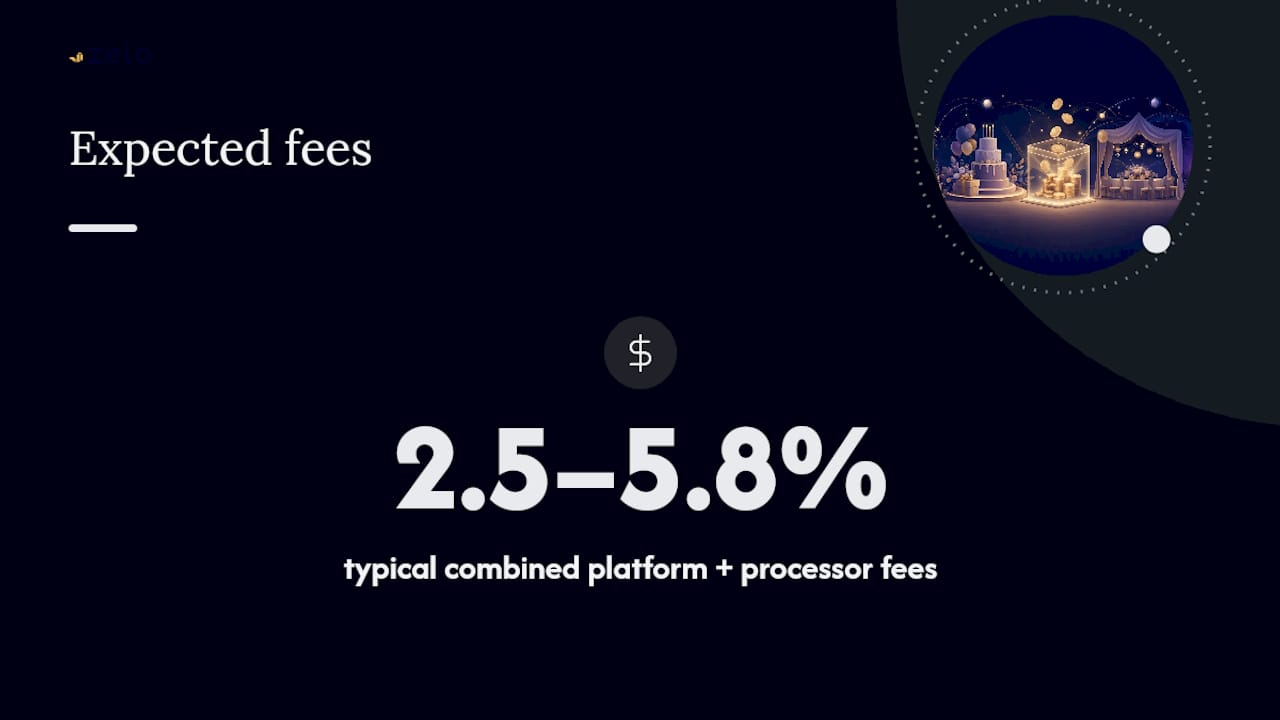
Combined, these typically run roughly 2.5% to 5.8% depending on the provider and who pays at checkout.
Here’s how that plays out with real numbers. That toggle is worth turning on if your platform supports it. It shifts a small, optional cost onto the giver instead of eating into your gift.
Watch out for “free” platforms. A page that promises “no platform fees” can still restrict your payout to store credit or a retailer gift card instead of cash to your bank. Confirm this before you publish, not after your first contribution arrives.
Pro Tip: Before sharing your page, run a small test transaction and check the exact dollar amount that lands in your account. That number tells you the real combined fee faster than any pricing page.
What Should You Write on Your Cash Gift Page?
The golden rule of asking for money politely: be specific. “Contribute to our future” raises less than “Help us cover our honeymoon flights to Portugal.” Guests give more comfortably when they know exactly what their gift becomes.
A few tone-tested templates:
- Formal: “Your presence at our wedding is the greatest gift of all. For those who’d like to contribute further, we’re saving toward our first home together.”
- Casual: “We’ve got a house, a dog, and way too many mismatched towels. Help us build our dream backyard instead!”
- Experience-based: “Skip the gift wrap. Chip in toward our anniversary trip to Kyoto. Every contribution gets us closer to that ramen shop we keep talking about.”
Traditional etiquette guidance confirms that asking for cash is socially acceptable when framed this way, especially paired with a card or short note.
Breaking one big number into smaller named items (a $50 “coffee maker” line, a $150 “excursion” line) also helps guests pick an amount that fits their budget instead of guessing.
When and How Should You Share Your Fund With Guests?
Timing matters. Share your link through your wedding or party website, in a digital invitation, or through an RSVP form. If you’re mailing paper invites, a small printed card with a QR code or short URL works well without looking like a demand.
Practical sharing rules that keep things comfortable for everyone:
- Wait until save-the-dates or invitations go out before publishing the link publicly
- Offer suggested amounts ($25, $50, $100, $200+) so guests aren’t left guessing
- Consider allowing anonymous contributions for guests who’d rather not have their name attached to an amount
- If you’re running a hybrid registry, pair the fund with a short physical list so guests who prefer traditional gifts still have options
Pro Tip: Mention the fund once in your invitation suite and once more in a follow-up email closer to the event. Repetition beyond that starts to feel like a pitch rather than an invitation.
What Happens After a Guest Contributes?
Contributions typically post to your account roughly a week after the gift arrives, following a short verification hold and standard bank transfer time. Don’t panic if the money doesn’t show up instantly. That gap is normal on most platforms.
Keep a simple record as contributions come in:
- Contribution amount and date
- Donor name (when provided)
- Fee deducted per transaction
- Payout date to your bank
Most platforms let you export a transaction list, which doubles as your thank-you note tracker and your paper trail if tax questions come up later. Large cumulative gifts can occasionally carry tax implications, so check with a tax professional if your total fund runs into thousands of dollars.
Pro Tip: Export your contribution list monthly rather than waiting until after the event. It makes writing thank-you notes far less overwhelming than tackling 150 names in one sitting.
How Do You Fix Common Cash Gift Page Problems?
Most issues have quick fixes if you catch them early.
- Fee surprises at checkout: Preview the checkout screen as a guest would see it, and toggle the “guest covers fees” option if it’s confusing anyone.
- Payout stuck or delayed: Double-check your bank details and ID verification status first. Most holds trace back to a mismatched name or an unverified account.
- Guests say they never got a confirmation: Ask them to check spam, then resend the link directly. A quick test payment confirms the email system is working.
- Duplicate contributions: Check your transaction list for matching amounts and timestamps, then offer a polite refund if a guest accidentally submitted twice.
Pro Tip: Keep your platform’s support contact saved somewhere easy to find during the week before your event. Payout questions are far less stressful when you’re not searching for a help email at 11 p.m.
A Host’s Honest Take on Building a Cash Gift Page
Setting up an event page always comes down to two things: knowing exactly what the money is for, and trusting where it lands. Platforms that use a known processor, encrypt guest payment data, and pay out directly to your bank remove the guesswork that makes people hesitant to ask for cash at all.
Start Your Page With Zelo
Zelo builds this entire process into one clean setup, designed specifically for milestone events instead of generic fundraising. You get a personalized event page with progress tracking, secure checkout, and direct payouts to your bank, no store credit, no gift-card workarounds.

Fee transparency is built in from the start: you’ll see the combined platform and processing cost before you publish, so there are no surprises when a guest checks out. Whether you’re funding a honeymoon, a first home, or a birthday celebration, the setup mirrors the steps in this guide almost exactly. Browse milestone event templates or start with a wedding fund page to see how quickly a page comes together.
Sources
- Understanding nonprofit payment processing fees | WP Charitable
- What does ‘no platform fees’ really mean — and why it matters | Better World
- Etiquette today: wedding gifts | Emily Post
Recommended
Enjoyed the article? Share it!