A password protected gift registry is a registry page that only people with the right password, link or key can open. For a cash registry, that privacy is only half of the job. The other half is what happens when a guest actually gives: where the money goes, who handles the payment, and whether the guest has to hand over personal details. The best private cash registry page keeps the page in the hands of invited guests and keeps the checkout simple and secure. That is the standard we hold Zelo to, and it is the standard to use when you compare any registry.
TL;DR
- A password limits who can open your registry page. A secure checkout and direct payouts protect the money. You need both layers.
- A hard-to-guess link, a password, and a search setting that hides the page from strangers are three different privacy tools. Use the combination your event needs.
- Pick a password that guests can remember and type on a phone, and send it only where you send the invitation.
- Guests who cannot open a page should ask the host directly, through a number or email they already know, never through a link in an unexpected message.
- Zelo event pages let guests contribute through a PayPal checkout without creating an account, and guests never pay Zelo fees.
Table of Contents
- What a password protected gift registry actually is
- Who needs a private registry page
- What a password does and does not protect
- How to set up a private cash registry page, step by step
- Changing or removing access later
- Privacy choices by event type
- What guests should do when they cannot get in
- Why a private page is not the whole answer
- Create your cash gift page with Zelo
- Our perspective
- FAQ
- Sources
What a password protected gift registry actually is
A gift registry is a list of things a host would like to receive, shared so that guests do not buy duplicates. A cash registry swaps the products for money: guests contribute toward a honeymoon, a nursery, a first home or a graduate’s next step. Hosts often search for a “password protected” version because a registry reveals a lot. It can show a name, a wedding date, a city, a budget and a wish list. Many hosts would rather share that with invited guests than with the whole internet.
Three separate privacy tools tend to get blended together under the word “password”:
- An unguessable link. The page address contains a long random string, so nobody finds it by guessing. Anyone who is sent the link can open it.
- A password. Even with the link, a visitor has to enter a password before seeing the page.
- Search visibility. A setting that decides whether the page shows up when someone searches for your name, on the platform or in a search engine.
A well-known example of how these layers fit together comes from commerce software documentation. One gift registry plugin shares each list through an unguessable link, supports an optional password, marks list pages so search engines skip them, and shows givers only the creator’s display name rather than an address. The same documentation notes an August 2026 update that stores list passwords in hashed form instead of plain text, which is the kind of detail worth looking for in any tool that holds a password for you.
Another way to see the layers is through how registry databases describe guest access. One enterprise commerce system defines three levels: public and searchable, not searchable but without a password, and password protected but searchable. It also generates a random guest access key that lets a person view a registry regardless of the password setting. The lesson for a host is simple: “private” can mean several different things, so check which one a page really offers before you tell guests it is locked down.
Who needs a private registry page
Not every event calls for a locked page. A birthday wish list shared in a family group chat may be fine with just an unguessable link. A wedding is different, and so are a few other situations:
- Weddings. The page often sits beside a date, a venue and a city. Couples who have had an unwelcome plus-one or a distant acquaintance ask about the registry tend to want a gate.
- Baby showers. Expecting parents sometimes share the page before they announce publicly, so privacy protects the news as well as the wish list.
- Milestone gifts for a child or student. Graduation and birthday pages for minors or young adults benefit from limiting who can see names and photos.
- Family circles with sensitive context. An anniversary or housewarming page that mentions travel plans or a new address is better kept to the people who need it.
If none of these sounds like you, an unlisted link shared only with guests is usually proportionate. If one does, add a password and keep the page out of search.
What a password does and does not protect
It helps to be precise about this, because a password is easy to overrate.
What it protects: the content of the page. Someone who finds the address by accident, or who sees it forwarded in a chat, cannot read your story, your goals or your photos without the password.
What it does not protect: the money. Once a guest has the password and decides to contribute, the safety of the gift depends on the checkout and the payout. That is why the payment layer deserves as much attention as the access layer. On a cash registry page, look at three things:
- Who processes the payment. A recognized payment provider means card and account details are handled by that provider, not typed into an unfamiliar form.
- Whether guests must create an account. Fewer accounts means fewer passwords to forget and less personal data stored.
- Where the funds sit. A registry that holds money for weeks adds delay and another party between guest and host. Direct payouts remove that step.
A secure connection matters as well. A page that loads over HTTPS means information sent between the visitor and the site is encrypted in transit, as the Federal Trade Commission explains in its guidance on telling real sites from imposters. Guests who look for the padlock and the https prefix before paying are applying a basic habit that works on any site.
How to set up a private cash registry page, step by step
The steps below work for any event. We note where Zelo handles part of the job.
1. Decide how private the page needs to be
Write down who should be able to open it. “Everyone invited to the wedding” is a different answer from “close family only”. If the answer is a broad guest list, a link plus a password is enough. If the answer is a small circle, send the link individually and skip public posting entirely.
2. Build the page around real goals
A private page still needs to make sense to the person who opens it. Name what the money is for: a honeymoon week, a crib and car seat, a first down payment, a graduate’s laptop. Guests give more comfortably when the purpose is concrete. On Zelo, hosts create a personalized event page with a customizable wish list of experiences and products, and the page tracks progress toward each goal. Our guide on setting up registry goals guests understand walks through how to word them.
3. Choose a password guests can handle
A good wedding page password is short enough to type on a phone, easy to say aloud and impossible to guess from public information. Practical rules:
- Avoid your names, your wedding date and your venue. Anyone who has seen the invitation could guess those.
- Use two or three unrelated words, or a private joke that only guests would know.
- Skip symbols and capital-letter tricks that are hard to type on a small keyboard.
- Use a password you have not used for anything else, such as email or banking.
Something like “lemon-harbor-42” is easier for an aunt to enter than a random string of characters, and it still is not something a stranger will land on.
4. Share the password where you share the invitation
Put the password and the link together in the same place guests expect to find details: the printed invitation insert, the save-the-date email, or a direct message. Do not post it on a public social media account, and avoid putting it in a group message that includes people you did not invite. If the password changes later, tell guests the same way you first told them.
5. Keep the page out of search
If the tool lets you choose, make the page unlisted so that it does not appear in a search for your name. A password gate without search protection can still announce that a page exists.
6. Check the guest experience on a phone
Open the page the way a guest will: on a phone, signed out, with only the link and the password. Make sure the password prompt is clear, the contribution button is easy to find, and the checkout does not ask for anything surprising. Zelo guests do not need an account to contribute, which removes the most common point where a guest gives up.
7. Plan how you will receive the money
Before you share anything, understand the payout. Zelo contributions go through PayPal checkout, and hosts can withdraw directly, without Zelo holding the funds. Our fee is a platform fee of 3.89% on each contribution, plus PayPal’s own payment processing fees. There is no setup fee or subscription, and guests do not pay Zelo fees. Knowing this before you publish the page lets you set goals that account for fees.
Changing or removing access later
Plans change. A guest list grows, a password gets forwarded too far, or a family member shares the page more widely than intended. A good private page lets the host change or remove the password at any time. Some event tools apply a single password to everyone rather than giving each guest their own, which is simple to manage but means a leak requires a new password for the whole list. If you suspect the password has traveled beyond your guests, change it and send the new one to the people who need it.

It also helps to treat the guest access key idea from the registry databases above as a reminder: some systems issue a separate key that bypasses the password. If your tool offers one, store it as carefully as the password itself.
Privacy choices by event type
| Event | What the page may reveal | A sensible setting |
|---|---|---|
| Wedding | Names, date, city, honeymoon plans | Password plus unlisted page, shared with the invitation |
| Baby shower | Due date, nursery needs, sometimes the news itself | Password or individually sent link until the announcement |
| Birthday | Name, age, wish list | Unlisted link shared in a group chat |
| Graduation | Name, school, future plans | Unlisted link, password if photos of a young adult appear |
| Anniversary or housewarming | Travel plans, a new address | Link shared with close family and friends only |
We have dedicated pages for wedding cash gifts, baby shower cash gifts, birthday cash gifts and anniversary cash gifts, each built around the way that event usually works.
What guests should do when they cannot get in
Guests run into a few predictable problems, and hosts can head most of them off.
The password does not work. Check for extra spaces, capital letters and autocorrect on a phone. If it still fails, contact the host directly using a phone number or email you already have.
The link arrives unexpectedly. A message that asks for payment from someone you do not know, or that pushes urgency, deserves a pause. Confirm with the couple or family member before you pay. Call or text them using the details you already hold, not the ones in the message.
The page asks for more than a gift needs. A contribution should require your gift amount and payment, not your bank login or sensitive identifiers. If the page asks for more, step back and check with the host.
You are unsure the contribution went through. Look for a confirmation from the payment provider and check your own payment account or card statement. Then tell the host you gave, so they can match it on their end.
Hosts can reduce confusion by putting a line in the invitation that says where the registry lives, how guests receive the password, and who to contact for help. Our post on writing meaningful thank-you notes for cash gifts covers what to do once the gifts arrive.

Why a private page is not the whole answer
Hosts who search for a password protected gift registry are really asking for control: control over who sees their plans, control over how guests give, and control over how the money arrives. A password handles the first. The second and third come from the checkout and the payout design.
That is where the details separate one cash registry from another. Look for a page where guests can give without opening an account, where the payment runs through a widely used provider, where the fee is published and where the host can withdraw directly. Those are the features Zelo is built around, and they are the same features that make a private page practical for guests, not just locked.
Create your cash gift page with Zelo
Zelo is a cash gifting platform for weddings, birthdays, baby showers, graduations, housewarmings, anniversaries and other milestones. You build a personalized event page with a wish list of experiences and products, share it with the people you choose, track progress toward each goal and manage invitations and communications in one place. Guests contribute through a secure PayPal checkout without creating an account, and you withdraw directly. There is no setup or subscription fee, only the 3.89% platform fee on contributions plus PayPal’s processing fees.
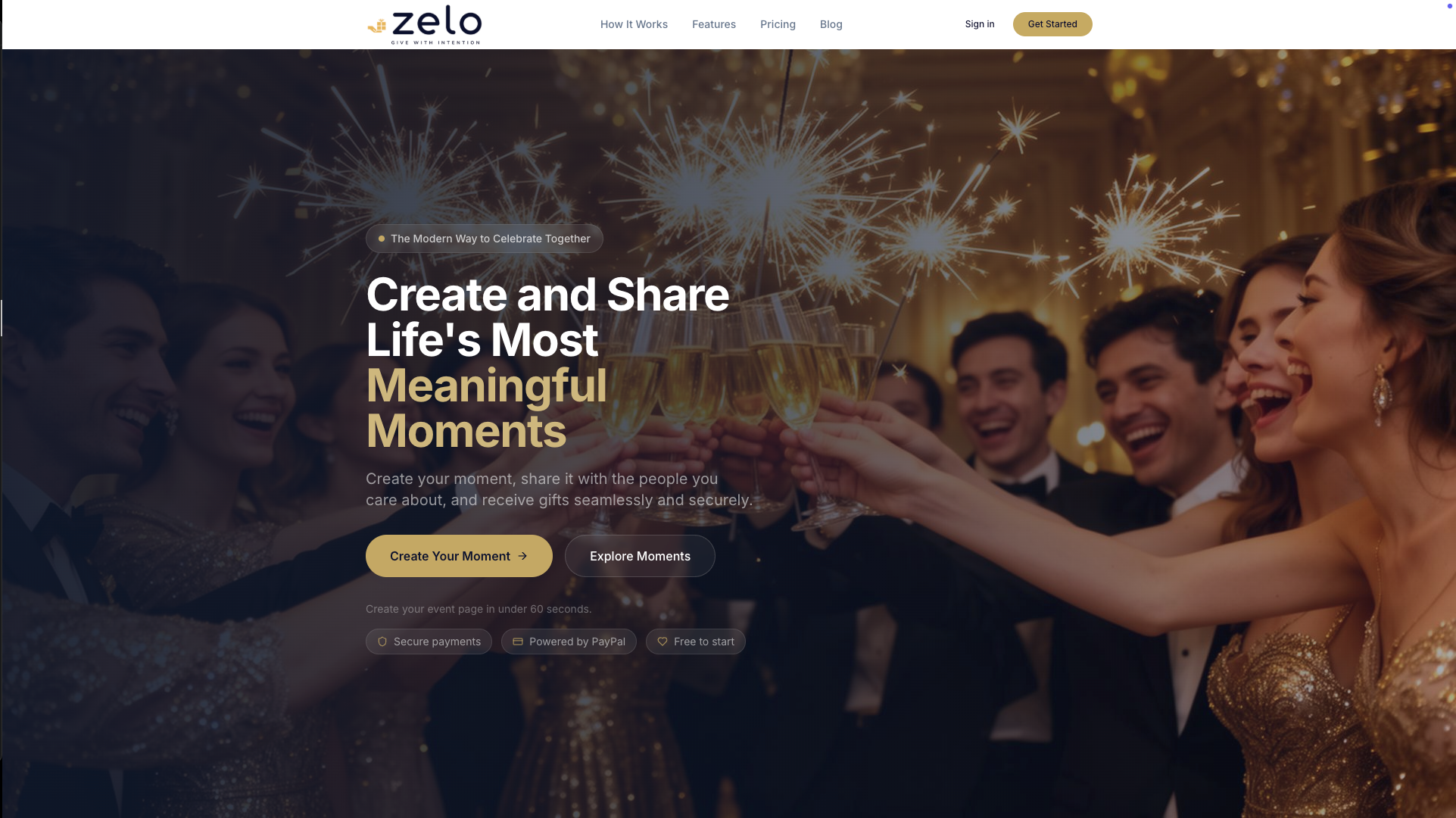
If you are planning a wedding, start with the wedding cash gift page. For any other occasion, you can create your event page on Zelo.
Our perspective
Privacy on a gift page is a question of trust, and trust has two parts. The first is whether the right people can see the page. The second is whether a guest feels safe the moment they decide to give.
We built Zelo around the second part as much as the first. A guest should be able to open an event page, understand what the gift is for, and contribute through a secure PayPal checkout without creating an account. A host should be able to share a page that tells their story, see how close each goal is, and withdraw directly without us holding the funds.
Our advice to every host is to choose the privacy level that matches the event, tell guests clearly how to find the page, and keep the purpose of each goal specific. Guests give more readily when they know what their money does, and hosts feel better about sharing when the process is clear to everyone involved.
John Smith
FAQ
Is a password protected gift registry necessary for a wedding?
Not always, but it is a sensible choice when the page shows your names, date and city. An unguessable link shared only with guests is the minimum. A password adds a second barrier if the link gets forwarded.
What is a good password for a wedding gift page?
Choose two or three unrelated words that you can say aloud and guests can type on a phone. Avoid your names, wedding date and venue, since anyone who has seen the invitation could guess those. Do not reuse a password from your email or bank.
How do I share the password with guests without posting it publicly?
Send it with the invitation or save-the-date, in a direct email or message, or on a printed card. Keep it out of public social media posts and large group chats that include people you did not invite. If you change it later, send the new one the same way.
Do guests need an account to give on a private cash registry page?
On Zelo, no. Guests contribute through a secure PayPal checkout without creating an account, and they never pay Zelo fees. Other tools differ, so check the checkout before you send the link to your guests.
What should a guest do if a registry link looks suspicious?
Do not pay through it. Contact the host using a phone number or email you already have and ask them to confirm the link. Check that the page loads over https and that payment runs through a payment provider you recognize.
Sources
- Gift Registry & Wish List plugin documentation (Shopware)
- GRGFTREG database documentation (HCL Commerce 9.0.0)
- How to spot fake FTC websites and FTC impersonators (Federal Trade Commission)
Recommended
Enjoyed the article? Share it!