Yes, you can send polite gift reminders, and there are two practical ways to do it: personalize a note yourself for a small guest list, or let a platform automate the process for a larger group. Both work when the message stays optional and grateful in tone. The right method depends mostly on how many people you need to reach and how much tracking you want to do, which the sections below break down along with timing, templates, and a short legal checklist.
TL;DR:
- Automated reminders are ideal for large guest lists, but personal notes work better when contacts are close or the list is small.
- Sending two reminders around 30 and 14 days before the event improves response rates without seeming pushy.
- Messages should always prioritize gratitude, keep the ask optional, and include clear next steps to stay polite and effective.
- Using a dedicated event page helps organize information and reduces the need for multiple scattered messages.
- Compliance requires including an unsubscribe option and truthful subject lines to meet FTC CAN-SPAM regulations.
Table of Contents
- How to send a gift reminder, step by step
- When to send reminders and how often
- What to say: templates that stay polite
- Which channels and tools actually work
- Staying compliant and polite: the short version
- Why reminders work better on a dedicated event page
- Try Zelo before your next reminder goes out
- Sources
- FAQ
How to send a gift reminder, step by step
Manual reminders work best for close friends, family, or a short guest list where a personal touch matters more than efficiency. The process is simple:
- Identify who needs a nudge, focusing on guests who RSVP’d but haven’t confirmed a gift or contribution.
- Personalize the message with the recipient’s name and a specific detail about the event.
- Choose a channel they actually use, whether that’s text, email, or a quick call.
- Send the reminder with enough lead time before the event or deadline.
- Track replies in a simple spreadsheet or notes app so you don’t send duplicates.
Automated reminders make sense once your list grows past a size you can track by memory. Most gifting and registry platforms let you enable a reminder feature, set how often messages go out, connect a payment or email integration, and preview the exact message before it reaches anyone. Some tools, like those described in Mage Loyalty’s help documentation, schedule reminders at set intervals and require linking to an email marketing provider to run the flow.
A simple decision rule: if the list is small and the relationships are personal, write it yourself. If you’re managing dozens of guests or want status tracking, automate it.
Before sending anything, run through a quick checklist:
- Preview the message exactly as the recipient will see it.
- Confirm every link works and points to the right page.
- Check that the tone reads as optional, not demanding.
- Make sure an unsubscribe option is included if the message qualifies as commercial email.
When to send reminders and how often
Timing depends on the event type and how far in advance guests typically plan. For weddings, a reminder about a month before the date usually works well. Birthday reminders are often best sent a few weeks prior, giving people enough time to shop or contribute without feeling rushed. Baby and bridal showers generally fall within a similar timeframe.

For longer planning horizons, a two-step cadence often performs better than one message: an early note around 30 days out, followed by a closer reminder around 14 days out. This pattern mirrors how some automated tools stage their reminder sequences.
A few things to keep in mind:
- Avoid sending more than a small number of reminders total to prevent them from feeling like pressure.
- Some guests take their time. Wedding etiquette generally allows gifts to arrive up to a year after the event, so a missed deadline isn’t a snub.
- Factor in shipping times if the gift involves a physical item, and adjust your final reminder accordingly.
What to say: templates that stay polite
The wording matters more than the schedule. Every message should lead with gratitude, keep the ask optional, and give the recipient a clear next step without sounding transactional. According to Emily Post’s etiquette guidance, phrasing like “if you wish to give” preserves the celebratory tone better than directive language, and that framing avoids reminders feeling promotional.
For email, a gentle version might read: “We’re so grateful you’ll be celebrating with us. If you’d still like to contribute, here’s the link. Honestly, your presence is the gift that matters most.”
A reserved-to-given nudge works well when someone claimed an item but hasn’t followed through: “Just checking in, we saw you reserved [item] and wanted to share the link again in case it got buried in your inbox.”
For payment confirmation, keep it short: “Thanks so much for your contribution. We wanted to confirm it went through smoothly on our end.”
Text reminders should be even shorter: “Hi [name], quick reminder that our registry link is [link] if you’d like to take a look. No pressure at all!”
For a website or registry page itself, a simple line works better than a full paragraph: “Your presence means everything. If you’d like to contribute to our honeymoon fund, you’ll find the details here.”
A few practical tips for adapting these:
- Swap in the guest’s name and one specific detail whenever possible.
- Keep sign-offs short and warm rather than formal.
- Match the tone of the event, playful for a birthday, more measured for a wedding.
Pro Tip: Reference something specific about the guest’s relationship to the event, like a shared memory or their role in the celebration, and the message reads as personal rather than automated.
For more on crafting a message that people actually remember, see this guide on writing a group gift message.
Which channels and tools actually work
Platform-based reminders typically let hosts preview the exact message, send it, and track whether an item moved from reserved to given, often with a resend option built in. That kind of status tracking is one of the bigger advantages over manual methods.
Email and text each have tradeoffs:
- Email allows longer, more personalized messages but competes with a crowded inbox.
- SMS gets read faster but feels more intrusive if overused, so it works best for short, friendly nudges.
- Calendar reminders or personal to-do apps make sense when you’re only tracking a handful of guests yourself.
Some platform features, particularly discount-based or incentive reminders, require connecting to an email marketing integration like Klaviyo, according to Mage Loyalty’s setup documentation. That adds a setup step but also more control over timing and segmentation.
Before picking a tool, check a few basics: how it handles guest privacy, how simple the guest-facing experience is, whether the reminder feels like a natural part of the event page, and what it costs to run.
Staying compliant and polite: the short version
Reminders that qualify as commercial email fall under FTC CAN-SPAM rules, which require a working unsubscribe option, a truthful subject line, and accurate sender information. Labeling a message “transactional” doesn’t remove these obligations if its main purpose is promotional.
On the etiquette side, Emily Post’s guidance is clear that registry details should never appear on the main invitation. Share them through a wedding website or in response to a direct question instead.
A working unsubscribe link and a truthful subject line are the two requirements the FTC flags most often for commercial email senders, and skipping either one creates real compliance risk.
Before sending any automated batch, run this checklist:
- Confirm the unsubscribe mechanism actually works.
- Test the message on a small internal list first.
- Check that the subject line matches the content.
- Make sure registry mentions read as optional, not required.
Why reminders work better on a dedicated event page
Reminders land better when they point somewhere organized instead of a scattered mix of texts and screenshots. A dedicated event page centralizes the details guests need and can automate the polite follow-up without a host having to draft ten separate messages. That’s the gap purpose-built gifting platforms are built to close.
For hosts who want to see how these pages handle registry information and guest communication in practice, this breakdown of what a gifting platform actually does is a useful next read. When the page itself carries the context, the reminder can stay short because the guest already knows where to go.
— Rodrigo
Try Zelo before your next reminder goes out
Some platforms let you build a personalized event page for milestone events, where guests contribute cash toward real goals instead of shopping a traditional registry. Checkout may run through PayPal, and hosts might be able to withdraw funds directly without waiting on a hold period.
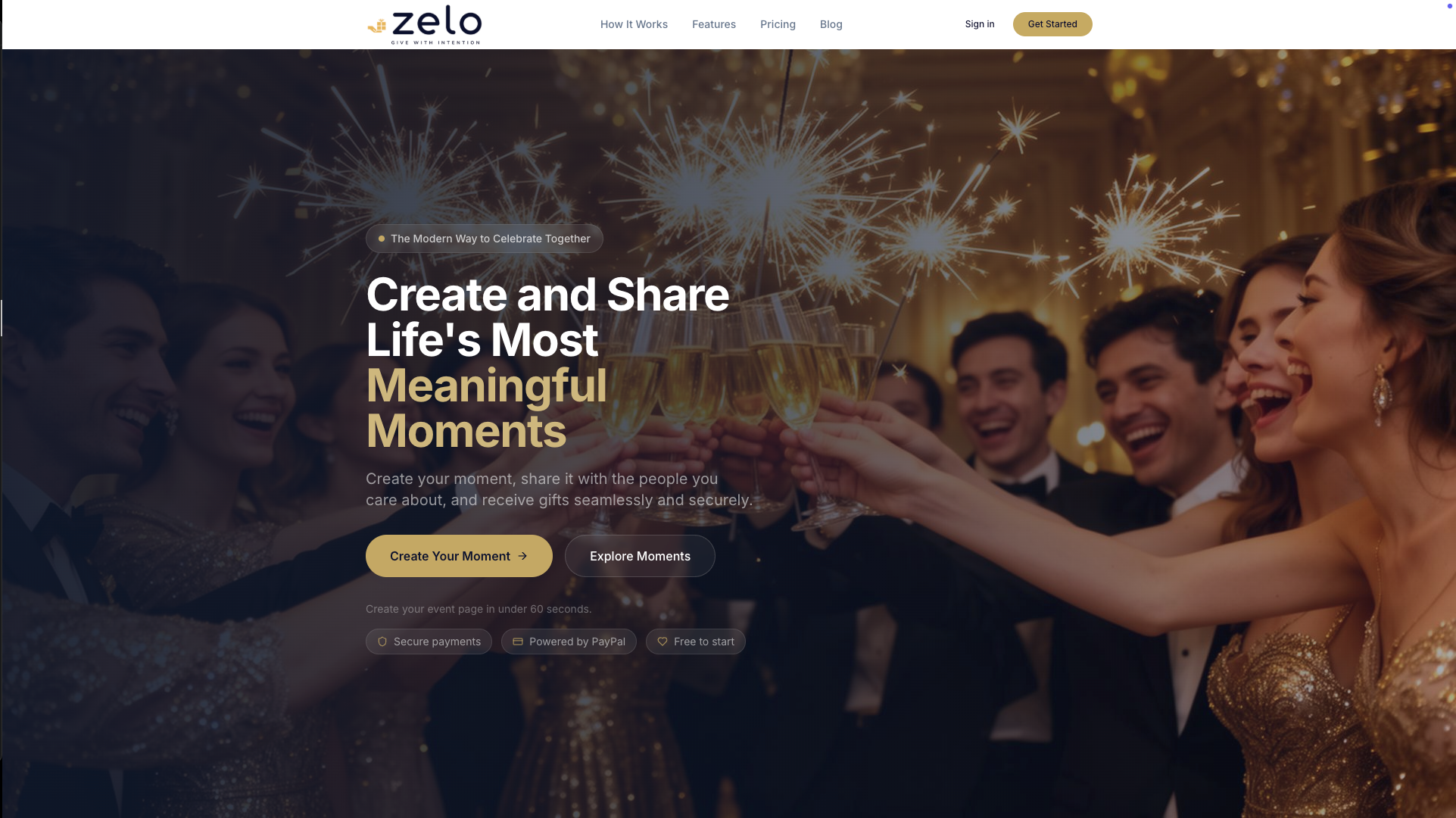
- Create a page in minutes and preview exactly what your reminder messages and links will look like to guests.
- Contributions run through secure checkout without the need for a guest account.
- Zelo charges a 3.89% platform fee per contribution, listed upfront with no setup cost.
If you’re planning an event, start your Zelo page here and check your reminder settings before your first message goes out.
Sources
- Inside weddings: registry rules | Emily Post
- CAN-SPAM Act: A Compliance Guide for Business | FTC
- Setting up gift reminders | Mage Loyalty Help Center
FAQ
What is a good message to send with a gift?
A good gift message is short, specific, and warm, mentioning why the gift or contribution matters to the occasion rather than just confirming receipt. Something like “Thank you for helping make our day special, your contribution toward the honeymoon means a lot” works better than a generic thank-you line.
What is a good way to remind someone of something?
The most effective reminders lead with gratitude or context before the actual ask, framing the reminder as a convenience rather than a demand. Keeping it short and giving a direct link or next step, as recommended in Emily Post’s etiquette guidance, helps the message read as helpful instead of pushy.
How do I send a reminder to someone nicely?
Lead with appreciation, keep the language optional (“if you’d like to” rather than “please make sure to”), and give a single clear link or action. Texts should stay under a couple of sentences, while email allows a bit more warmth and context.
What are examples of reminder wording?
A simple example is: “We’re so grateful you’ll be celebrating with us. If you’d still like to contribute, here’s the link, but your presence is the gift that matters most.” Platform help centers publish similar sample copy for automated reminder emails, including Snappy Gifts’ documentation.
Do I need to follow any rules when sending reminders by email?
Yes, if the reminder qualifies as commercial email, it needs a working unsubscribe link, a truthful subject line, and clear sender information under FTC CAN-SPAM guidance. This applies even if the message is sent through an automated platform rather than by hand.
Recommended
Enjoyed the article? Share it!